Brother Artspira
Brother Industries, LTD.
4.4
AD
Detalhes da Versão
| País do Editor | US |
| Data de Lançamento no País | 2022-09-27 |
| Categorias | Lifestyle, Graphics & Design |
| Países / Regiões | US |
| URL de Suporte | Brother Industries, LTD. |
| Classificação do Conteúdo | 17+ |
AD
【Details】
Why Artspira? Encounter endless possibilities with projects, designs and features.
- Artspira is an all-in-one design platform. You can edit, design, and create on-the-go projects, then transfer your ideas to any wireless or Bluetooth enabled Brother machines.
- Create your own designs anywhere and anytime for embroidery, cutting and printing from the Brother Library.
- Find coordinating designs and fonts and edit as you like with design templates.
- New to crafting? Get the most out of your Brother machines with access to education videos.
- Looking for inspiration? Take your imagination to the next level with beginner, intermediate, trend and holiday projects from the Artspira magazine.
Artspira is your go-to app for gifting galore. Create a customized or personalized gift for just about anyone!
【Features】
・Brother Library
Thousands of embroidery, cutting and printing designs, ready to make projects, and unique fonts.
・Disney designs
Artspira welcomes the Disney License to their library of designs. 1,500+ embroidery and cutting designs are available for individual billing basis. If you subscribe to Artspira+, you can purchase the design of your choice at a discounted price.
The designs contained in this collection are for personal non-commercial use only.
・Artspira Magazine
Original magazines with beginner, intermediate, trend, and holiday projects.
・Education
Education videos to help you along your creative journey
・Artspira AI
Artspira AI allows you to convert images and photos into designs according to the style you choose. You can choose from seven different styles proposed by AI. Embroidery, cutting, and printing designs can be created from this feature.
・Drawing Tools- for embroidery
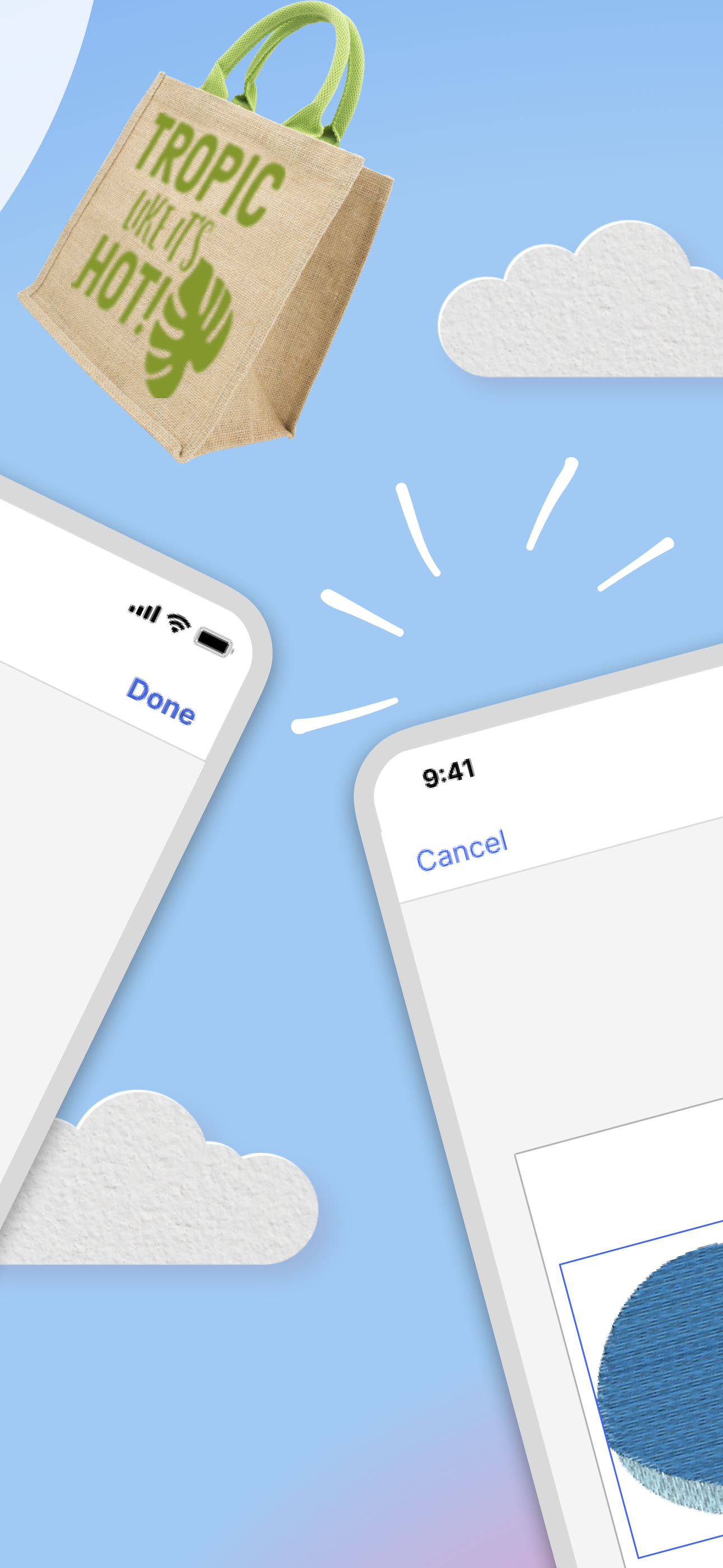
Create simple embroidery designs and watch them come to life with the stitch simulator.
・Design Editor
Add multiple designs and text, edit, change color and size!
・Line Art Tracing- for cutting
Create cutting designs with images on your mobile device.
・Image to embroidery- for embroidery
Create embroidery designs with simple images in your mobile device.
・AR functionality
See how your file will look on your material before getting started!
・Import external files
Import up to 20 external designs
Support file format:
Emboridery - pes, phc, phx, dst
Cutting - svg, fcm
Printing - jpeg, png
・Gallery
A community feature where you can post your projects and share them with the Artspira Community. You can also follow your favorite makers to see their posts.
【Subscription】
Enhance your Artspira expierience with Artspira+.
- Thousands of designs, hundreds of templates, and access to fonts. Plus weekly Artspira Magazine access giving you more projects to browse and inspire.
- You can purchase the Disney designs at a discounted price.
- Advanced Editing tools like Artspira AI, Embroidery Drawing tools and more .
- Save up to 100 designs in the My Creations cloud storage.
- An annual plan option has been added to the Artspira+ subscription choices.
You can try the free trial first.
【COMPATIBLE MODELS】
The app is for wireless and Bluetooth enabled Brother machines.
Including:
・Embroidery machines
・Cutting machines (SDX series)
・Creative printers
【SUPPORTED OS】
iOS 13.0 or later
Please refer to the following for the terms of service of this application.
https://s.brother/snjeula
Please refer to the following for the privacy policy of this application.
https://s.brother/snjprivacypolicy
For inquiries about the app, please contact the email address on the Store.
Download Brother Artspira
Not Available
Avaliação Média
1.60K+
Desagregação das Avaliações
Avaliações em Destaque
Por Michelle antsmasher
2024-08-25
Versão 2.3.1
Battery UsageDifficultFamilyHate itSpendingUpdatesBrother, you sure bold for charging 1299 a month for some of the most elementary, basic useless, pre-set or available embroidery patterns… honestly, I might pay 399 a month for what it has to offer, and if it wasn’t for the freehand lettering design and layout (that is a challenge to fit on a 4”x4” space), I would have no use for this. The preset options on my embroidery machine are better than what Artspira has to offer. It has the potential to be great, but whoever is in charge of choosing the designs that you have to pick from, for lack of better words, it’s an outdated and a very lame selection. i’ve never used one design from the Artspira app. I will be looking for something better. In the three months, I’ve had this app, nothing has been updated, there are no new fonts or really anything to choose from, I don’t really know what I’m paying for. Tighten up brother! That’s a steep price to pay for what it’s supposed to be used for. Edit: due to the fact that brother responded with news that they will update and keep adding new options, I appreciate that so the reviews get better
Por Ella375
2024-08-14
Versão 2.3.1
Feature RequestsLove itSpendingThis app works very well for transferring designs to my embroidery machine. The technology works perfectly. What is badly lacking is the actual design interface. You need to know that it is extremely rudimental. It’s missing many features you would expect to see in a basic design editor. One is that there is no way to copy and paste or duplicate an element in your design. If you add an image and want more than one you will have to go look for it in the catalog again instead of easily duplicating what is already on your screen. Another shocking omission is that there is no way to draw a straight line in the drawing feature. There are many shapes to choose from but no straight line. I signed up for the paid subscription to unlock the additional features but will not be continuing with it unless some improvements are made.
Por Dustie04
2024-06-16
Versão 2.2.7
BugsLove itI have a PE535. I just got it used and was looking for software to convert drawings to embroidery. This app is absolutely fantastic! It does it great, and it’s super easy to use. The problem is machine doesn’t have Bluetooth. I’m hoping one day it allows export abilities for the older machines as it truly is fantastic
Capturas de Tela



Apps Populares